Map-based exploration
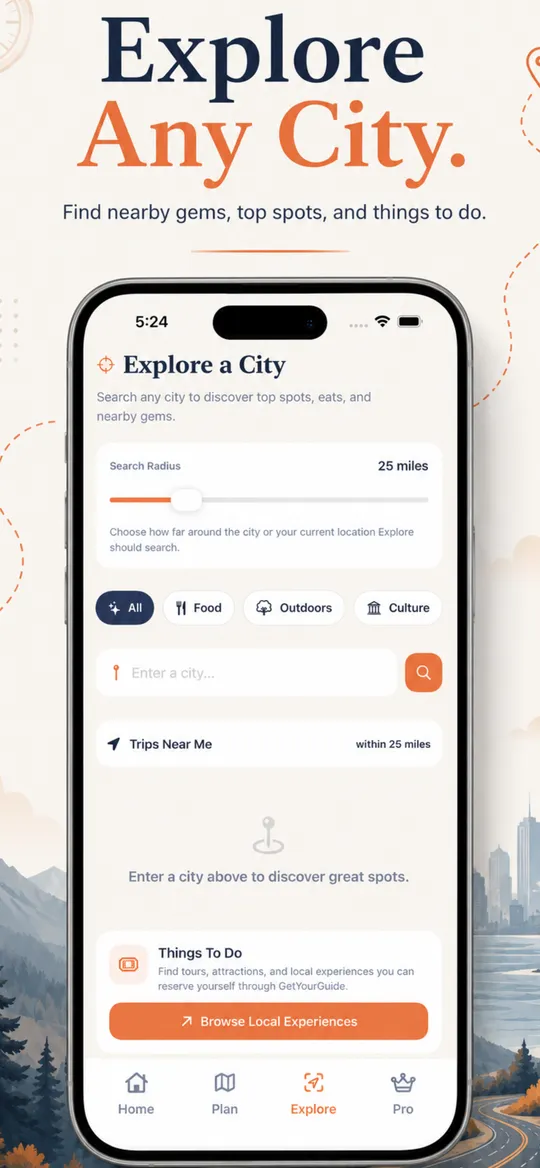
Look around a map from where you are or from a place you name, and open a stop in Maps when you are ready to go.

Discover interesting places, organize your favorite stops, and turn the open road into your next adventure.



Screenshots from the App Store listing.
In the app
Look around a map from where you are or from a place you name, and open a stop in Maps when you are ready to go.
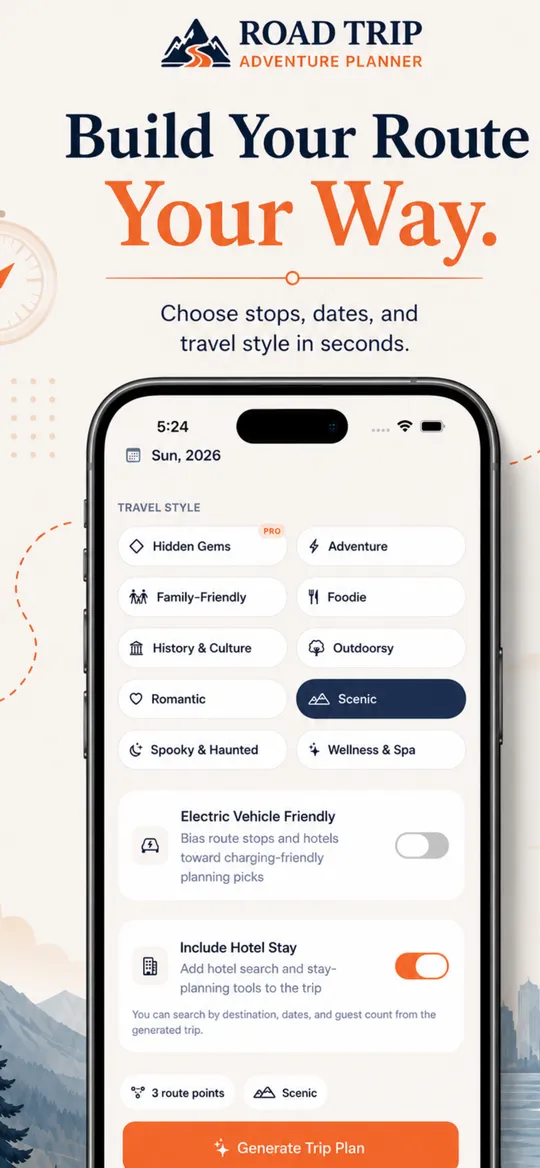
Start a trip, give it dates, and keep the route and the stops together instead of in a trail of notes.
Save places you want to remember, separate from the trip you are building right now.
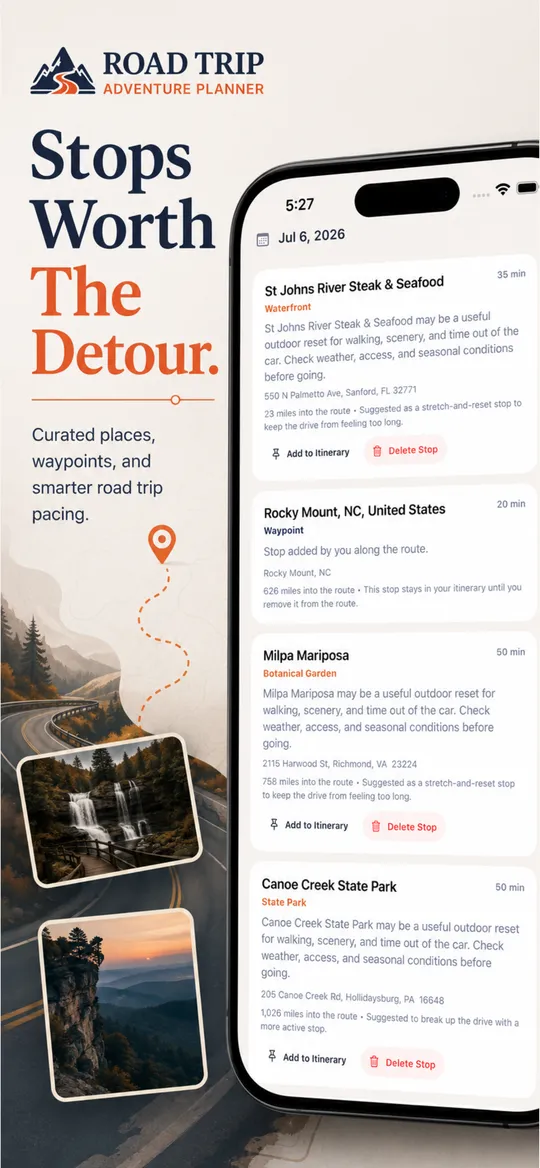
Browse places around a destination, from food and parks to museums and other stops that might be worth the detour.
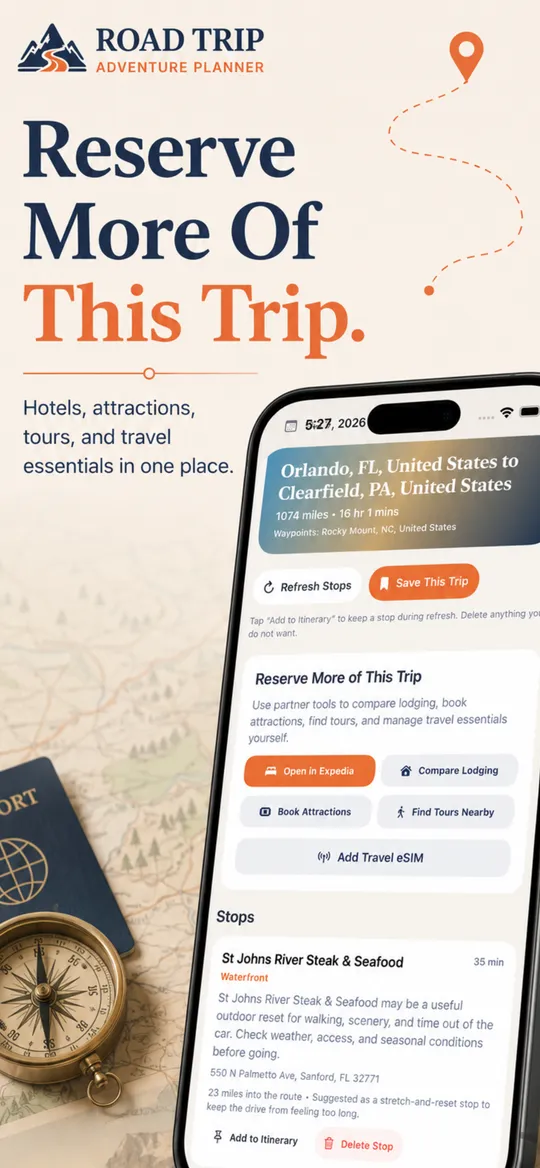
Add stops, reorder them, and see suggestions grouped along the drive so the route is more than a line between two cities.
Put the trip on your calendar when the dates are real and you want the reminder outside the app.
When you want them, open travel websites for hotels, activities, and other trip details. Booking stays on those sites.
It is on the App Store. The listing shows which devices it supports. The app has been available since April 2026.
No. You plan and organize the trip in the app, then you can open a stop in Maps when it is time to drive.
Yes. Trips and favorite places stay in the app so you can come back to them.
Yes. From the trip, you can add the dates to a calendar on your device.
Road Trip Adventure Planner is listed as free to download. Any optional purchases are described on the App Store listing.
Email support@adventuresbyjerry.com. The support page lists the details that help narrow down a problem.
Discover interesting places, organize your favorite stops, and turn the open road into your next adventure.